| 일 | 월 | 화 | 수 | 목 | 금 | 토 |
|---|---|---|---|---|---|---|
| 1 | 2 | 3 | 4 | |||
| 5 | 6 | 7 | 8 | 9 | 10 | 11 |
| 12 | 13 | 14 | 15 | 16 | 17 | 18 |
| 19 | 20 | 21 | 22 | 23 | 24 | 25 |
| 26 | 27 | 28 | 29 | 30 |
Tags
- db
- 리엑트
- listview
- 함수
- Maui
- Flutter
- 오류
- 깃허브
- 플러터
- HTML
- MSSQL
- .NET
- page
- Animation
- 애니메이션
- AnimationController
- GitHub
- MS-SQL
- 자바스크립트
- MVVM
- spring boot
- Binding
- 파이어베이스
- Firebase
- 닷넷
- JavaScript
- 마우이
- typescript
- React JS
- 바인딩
Archives
- Today
- Total
개발노트
1. [Dify] 도커 환경에 설치 본문
반응형
Dify 설치하기(2) : Windows - Open Network System
Docker Desktop, Windows WSL2, Git을 이용하여 터미널에서 설치하는 방법 | Dify
blog.open-network.co.kr
wsl 설치
- dism.exe /online /enable-feature /featurename:Microsoft-Windows-Subsystem-Linux /all /norestart
- dism.exe /online /enable-feature /featurename:VirtualMachinePlatform /all /norestart
- wsl --install
도커 데스크탑 설치 및 엔진 설정
{
  "builder": {
    "gc": {
      "defaultKeepStorage": "20GB",
      "enabled": true
    }
  },
  "experimental": false,
  "dns": ["8.8.8.8", "1.1.1.1"]
}
WSL DNS 설정 필요

dify clone 하기
git clone https://github.com/langgenius/dify.git
GitHub - langgenius/dify: Production-ready platform for agentic workflow development.
Production-ready platform for agentic workflow development. - langgenius/dify
github.com
환경변수 파일 만들기 예시 파일로 그대로 .env 로 카피
copy .env.example .env
도커 실행(백그라운드)
docker compose up -d
dify 계정만들기
http://localhost:80/install
기타
api 에 인증서 설치해주고
sandbox 에 pip install로 필요한 라이브러리들 설치하고
도커 이미지를 베이크해서 베이킹된 이미지를 compose yaml 에 갈아 끼워주자
내가 커밋한 이미지: docker-sandbox-2:latest 로 변경
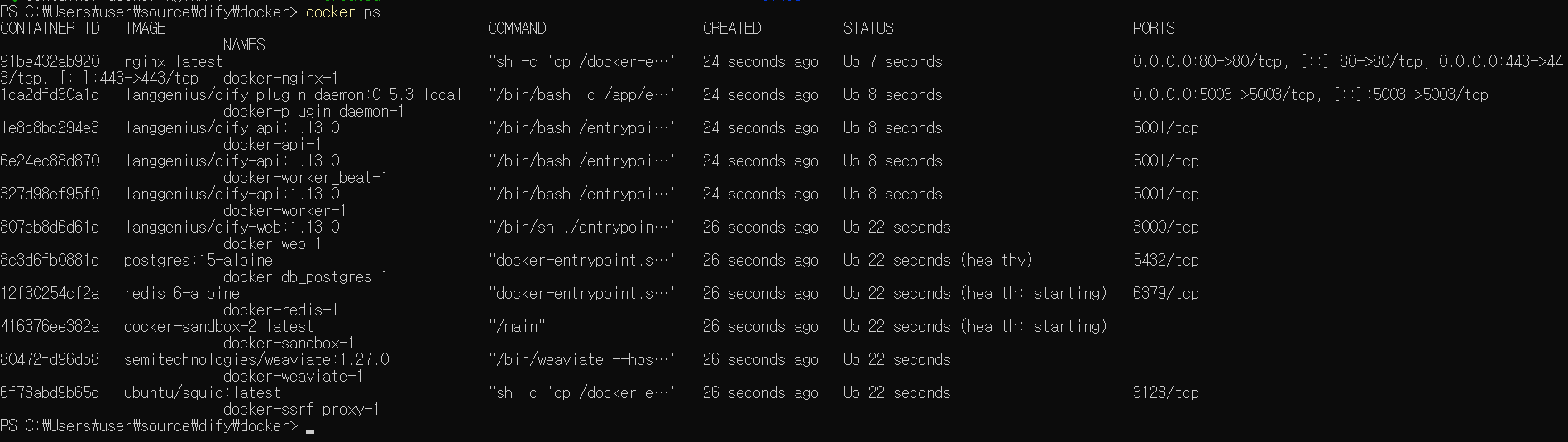


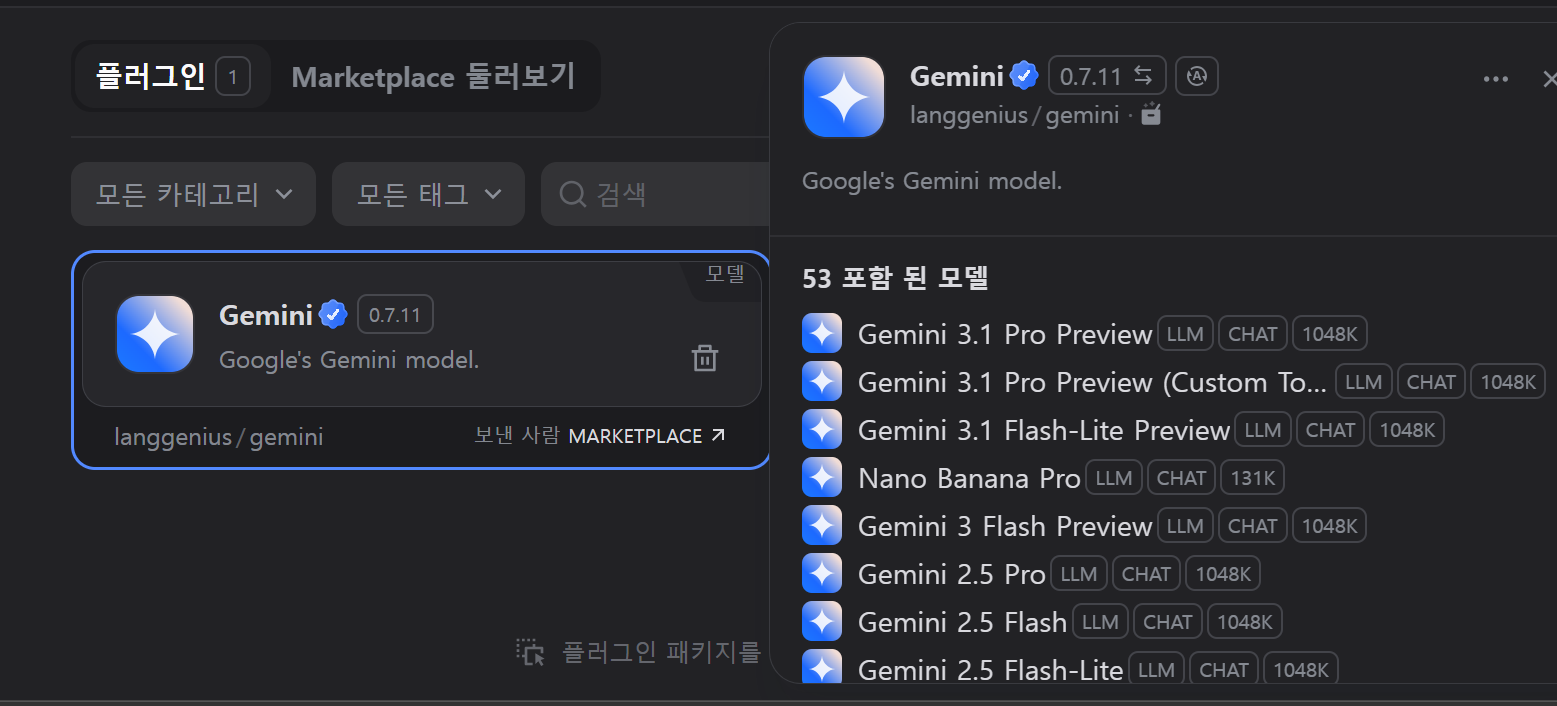
Dockerfile 로 빌드해서 해도 됨
FROM langgenius/dify-sandbox:0.2.12

USER root

# -----------------------------
# system build tools
# -----------------------------
RUN apt-get update && apt-get install -y \
    gcc \
    g++ \
    build-essential \
    autoconf \
    automake \
    libtool \
    pkg-config \
    python3-dev \
    wget \
    curl \
    git \
    ca-certificates \
    && rm -rf /var/lib/apt/lists/*

# -----------------------------
# Mecab install
# -----------------------------
RUN apt-get update && apt-get install -y \
    mecab \
    libmecab-dev \
    mecab-ipadic-utf8

# -----------------------------
# sandbox runtime directories
# -----------------------------
RUN mkdir -p /logs \
    && mkdir -p /var/sandbox \
    && mkdir -p /tmp \
    && chmod -R 777 /logs \
    && chmod -R 777 /var/sandbox \
    && chmod -R 777 /tmp

# -----------------------------
# python upgrade
# -----------------------------
RUN pip install --upgrade pip

# -----------------------------
# python libraries
# -----------------------------
RUN pip install --no-cache-dir \
    pandas \
    numpy \
    scikit-learn \
    umap-learn \
    hdbscan \
    bertopic==0.17.3 \
    sentence-transformers \
    plotly==5.19.0 \
    konlpy \
    mecab-python3 \
    crawl4ai \
    nest_asyncio \
    markdown2 \
    google-generativeai \
    aiohttp \
    flashtext \
    kobert-transformers

# -----------------------------
# playwright browser install
# -----------------------------
RUN playwright install --with-deps chromium

# -----------------------------
# sentence-transformer model pre-download
# (첫 실행 속도 개선)
# -----------------------------
RUN python - <<EOF
from sentence_transformers import SentenceTransformer
SentenceTransformer("paraphrase-multilingual-MiniLM-L12-v2")
EOF

# -----------------------------
# permission fix
# -----------------------------
RUN chmod -R 777 /usr/local/lib/python3.10

USER sandbox
#custom-sandbox 폴더에 sandbox 빌드 용 Dockerfile 만들기 선행
# The DifySandbox
sandbox:
build:
context: ./custom-sandbox
image: dify-sandbox-bertopic
container_name: dify-sandbox반응형
'파이썬 > 형태소 분석' 카테고리의 다른 글
| 2. [Dify] 워크 스페이스 구성 예시 (0) | 2026.03.05 |
|---|
Comments